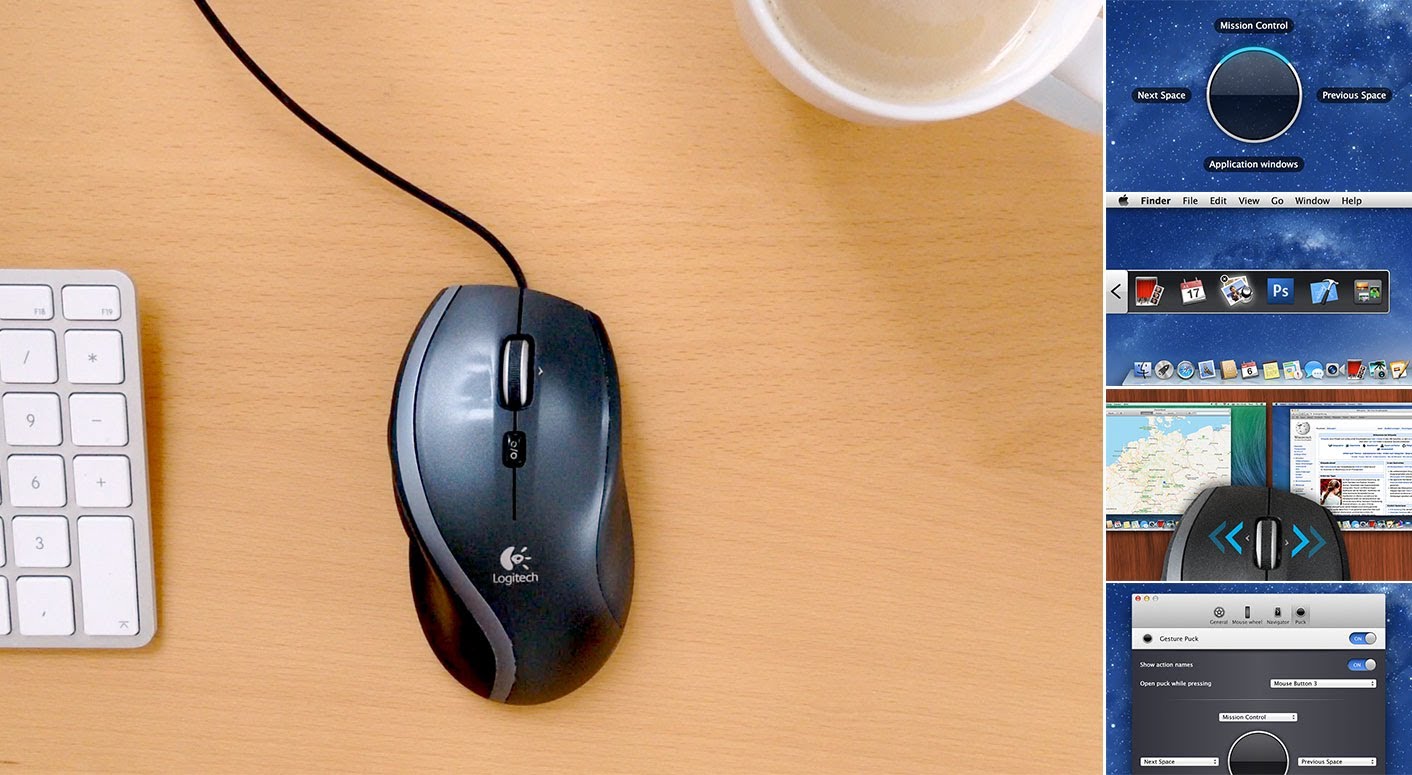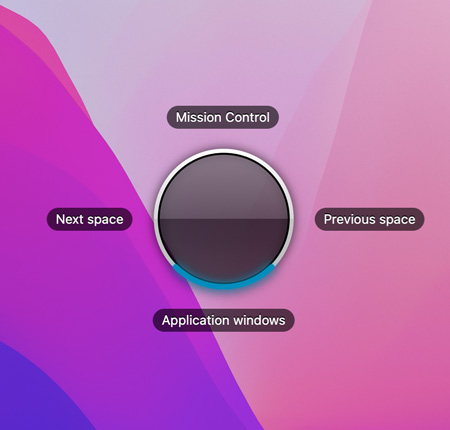
Press the middle button on your mouse to bring up the new Gesture Puck. Now move the mouse in one of four directions to trigger an action like switching Spaces or accessing Mission Control. The puck moves with your mouse when you hold the button, making you almost feel physically connected to your Spaces!
Both the mouse button and the actions are configurable. Available actions include switching Spaces, accessing Mission Control, the current application's windows, showing your Desktop, Dashboard, Launchpad and Notification Center.

The Spacious Navigator appears when you move your mouse to the borders of your screen. Click on the Navigator to switch to the next or previous space.
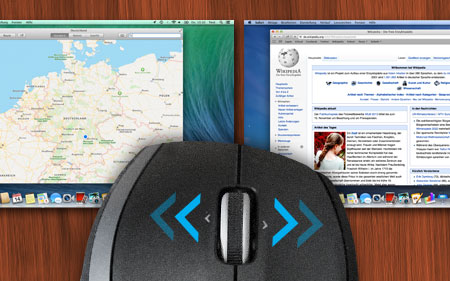
If your mouse wheel can scroll left and right (often possible by tilting it), you can turn on an option in Spacious and henceforth use it to switch to the next and previous space instead.
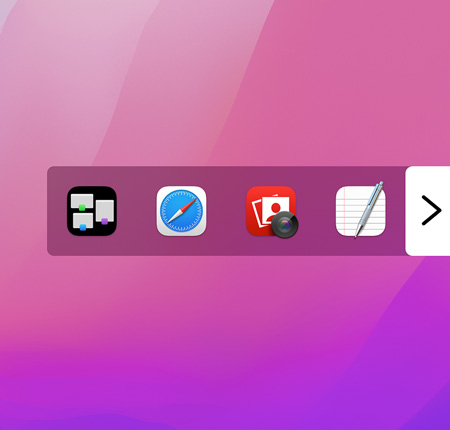
Right-click on the Spacious Navigator at the border of your screen to access recently used applications and Mission Control. Hover over an app's icon and a close button appears, allowing you to quit that app.
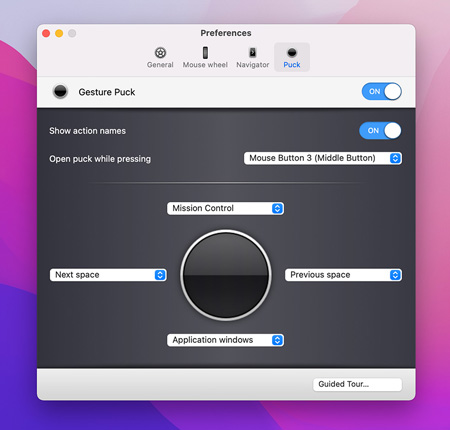
You can use all of Spacious navigation features - or only some of them. And those that you use, you can configure to fit your style and needs. Take the Guided Tour to learn about, try and tweak the new ways of navigation that Spacious brings to your workflow.
Requires macOS 10.12 or later. macOS 12 Monterey and Apple silicon supported.