Remote Buddy 2
Control apps, web videos and more on your Mac – from your iPhone, Siri Remote, iPad, Apple TV, Apple Remote and many other remote controls.
Hit the ground running - thanks to tailor-made support for more than 100 Mac apps! Ready to use, but also customizable - with over 1.000 included actions to choose from.

Switch and quit apps, change the system volume, trigger actions, browse the filesystem or your local Music library, put your Mac to sleep and much more!
All from a single, customizable menu.
Control most web videos in Safari, Chrome and Edge through a single set of playback actions:
Want to pause - or watch that movie on Netflix or Prime Video at higher speed? Just press that button!
Netflix
Prime Video
Disney+
Vimeo
YouTube
tv.apple.com
Dailymotion
Joyn
MagentaTV
MySpace
Twitch
Skillshare
TED.com
Udemy
Amazon Drive
Dropbox
Microsoft OneDrive
Nextcloud
ownCloud
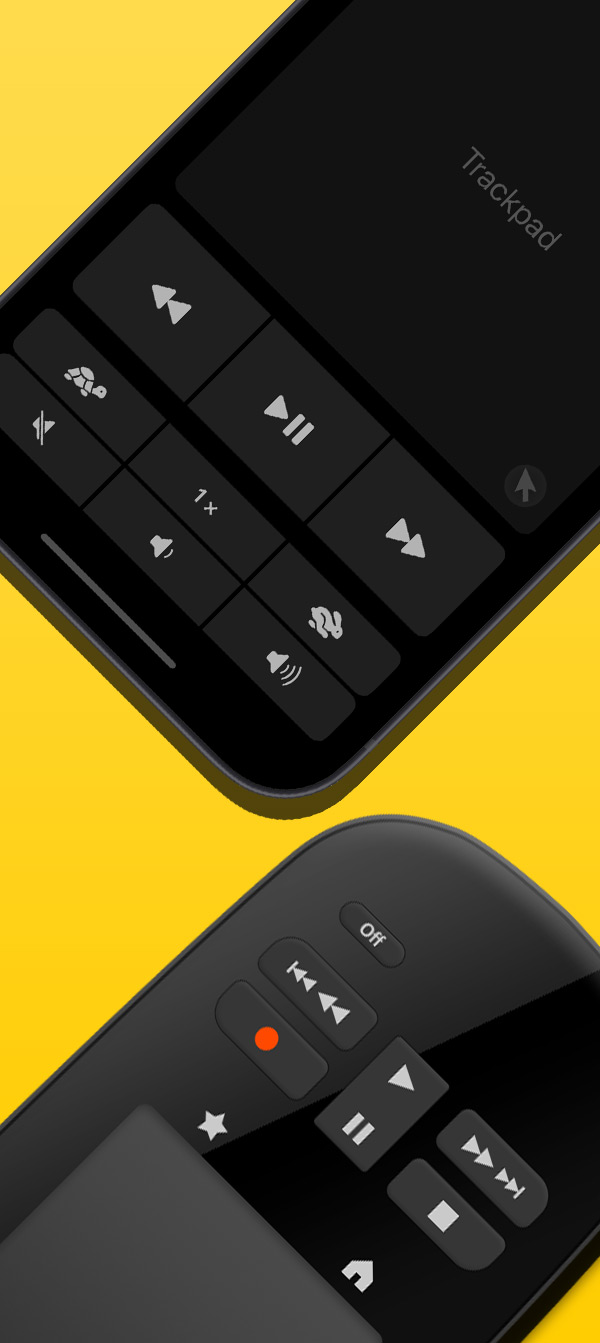
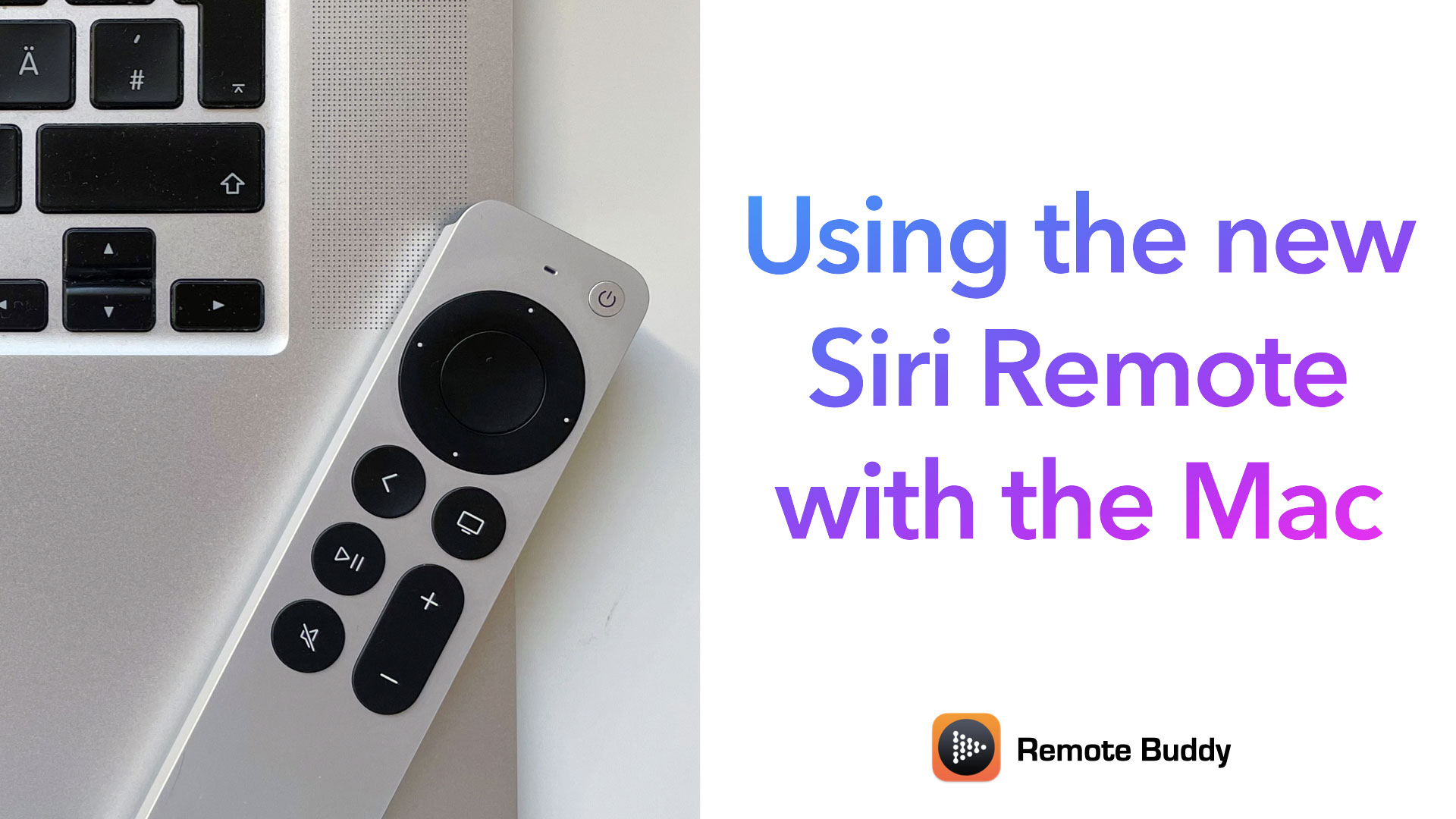
Remote Buddy 2 now supports the Siri Remote, turning it into one of the most powerful and versatile remotes for the Mac.
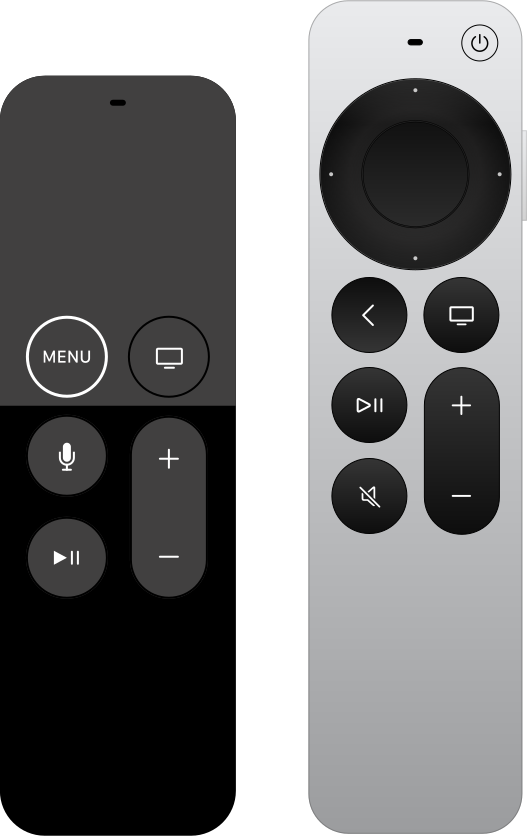
Turn your iPhone or remote control into a keyboard and mouse for your Mac.
Use the included Mousespot effect to shine a light on what matters in your presentations - or to quickly locate the mouse cursor on the big screen.
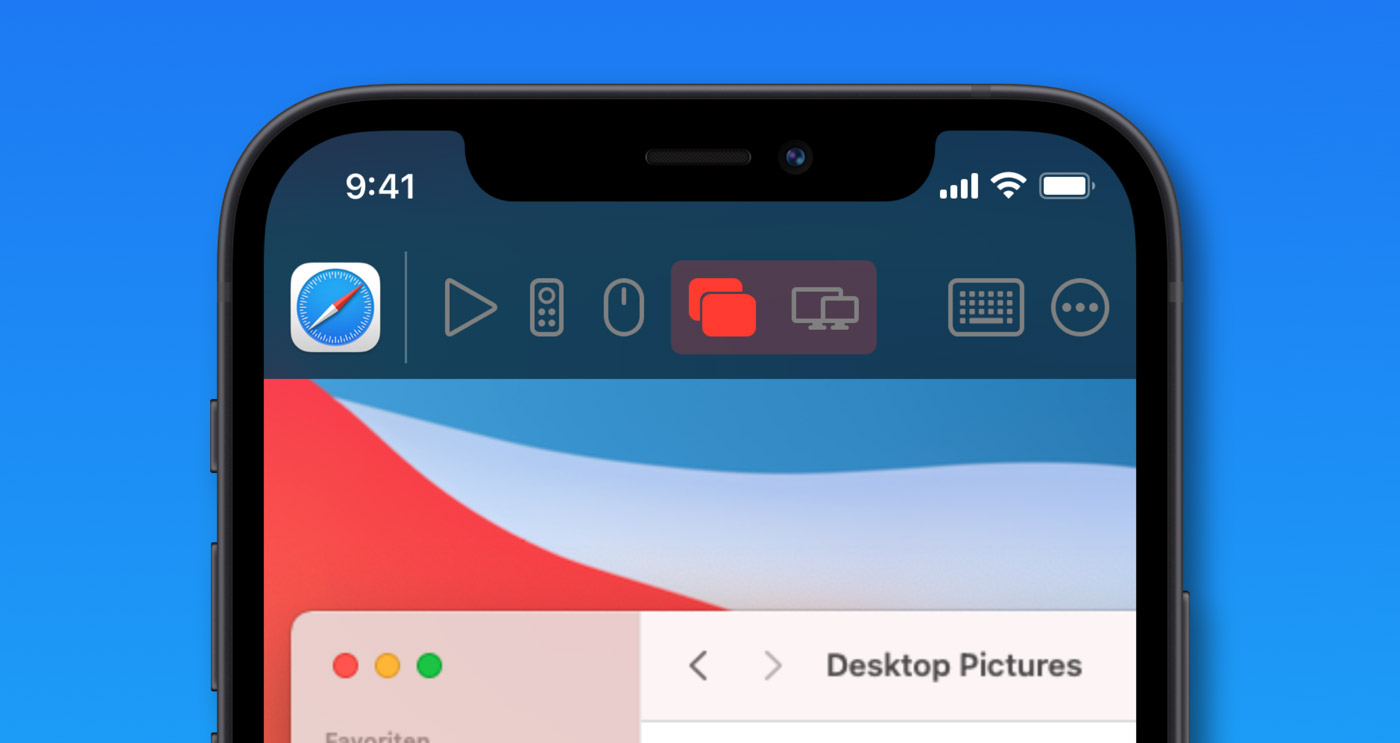
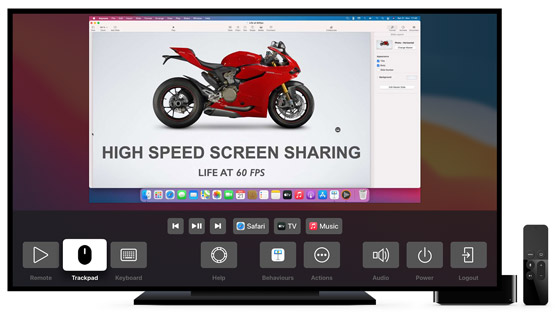
Mirror the screens of your Mac onto your iPhone, iPad or Apple TV using our free companion apps.
Our unique screen sharing technology delivers up to 60 fps with high image quality, transports your input with low latency and connects quickly.
Remote Buddy can record and replay IR codes, allowing you to control many devices like TVs or amplifiers through Remote Buddy. Requires a compatible IR transmitter such as Flirc USB.
Use the new Desktop Actions to trigger Mission Control, switch Spaces and more.
Browse the file system and open files through Remote Buddy's menu.
Put your Mac to sleep - and wake it up again through Wake-On-LAN (WOL) using the companion apps. Or with an Apple Remote and Flirc USB IR receiver.
Change your system's default audio volume and audio output (including AirPlay targets) via Remote Buddy's menu or through the companion apps.
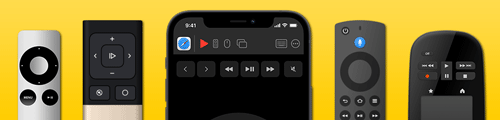
In addition to highly sophisticated companion apps for iOS and tvOS, Remote Buddy can also be controlled with many supported remote controls and includes driver support for many IR receivers.
Customize button mapping and menu layout to suit your needs. Choose from the more than 1.000 included actions - or create your own custom actions and Behaviours using simulated key presses, AppleScript, IR commands and more.
Remote Buddy is so customizable it can be used to control almost anything: from home theater setups and presentations all the way to large telescopes!
Turns your iPhone and iPad into a powerful remote control for your Mac.
Free companion app.
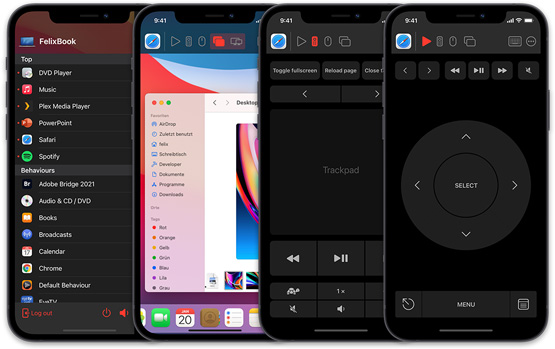
Mirrors your Mac's screen on your Apple TV and allows you to control it with the Siri Remote.
Free companion app.
Control your Mac with many supported IR and Bluetooth remotes. Chances are you already have one that's supported.
Requires macOS 10.13 or later. macOS 26 Tahoe and Apple silicon supported.