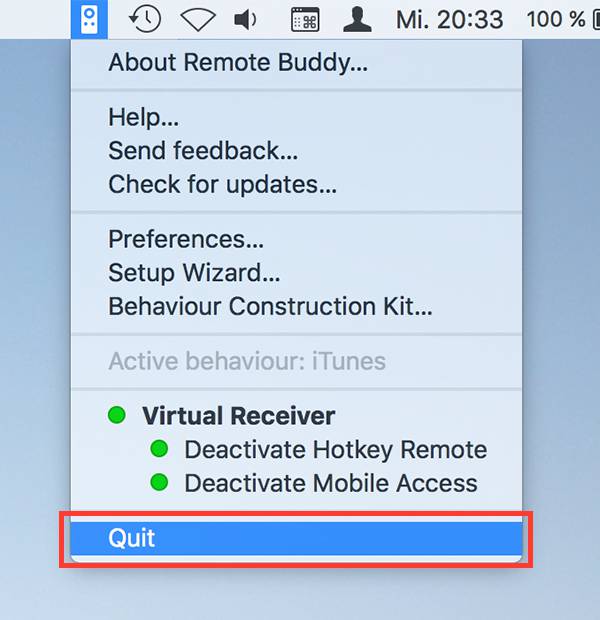
Step 1/4: Quit Remote Buddy
Any old version of Remote Buddy that you may have running needs to be quit.
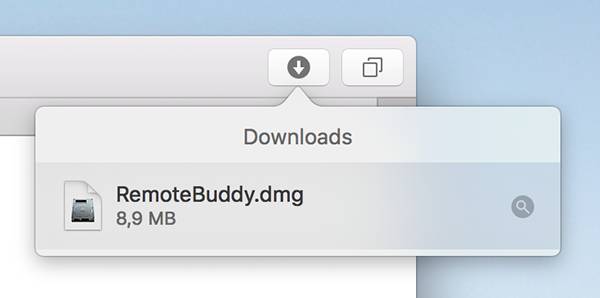
Step 2/4: Open the downloaded file
If your browser does not automatically open the file once the download completed, please double click the disk image icon next to "RemoteBuddy.dmg" in your Downloads window. If a warning dialog comes up, click Continue.
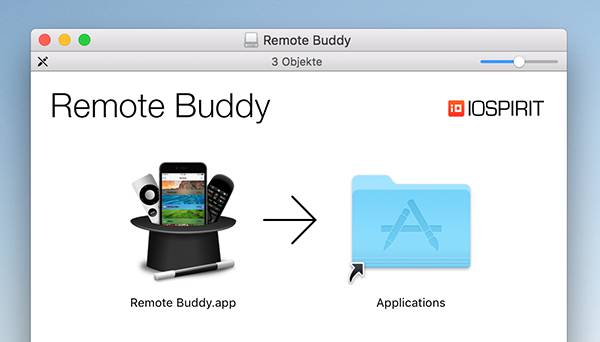
Step 3/4: Drag the Remote Buddy icon to your Application folder
If you've got an old version of Remote Buddy installed, you'll be asked whether you want to replace it with the new one. Click "Replace".
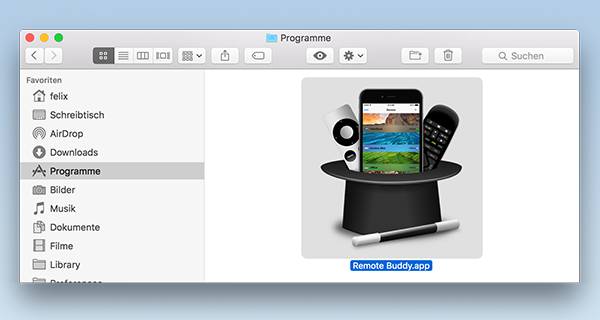
Step 4/4: Start Remote Buddy from your Applications folder
Eject the disk image, then start Remote Buddy from your Applications folder by doubleclicking its icon.
Congratulations! Remote Buddy is now installed and running on your Mac®!